


Ubuntu系统上安装StarlingX
2 个月前
· 来自专栏
云计算与云原生

1. 选择All-in-one中其一

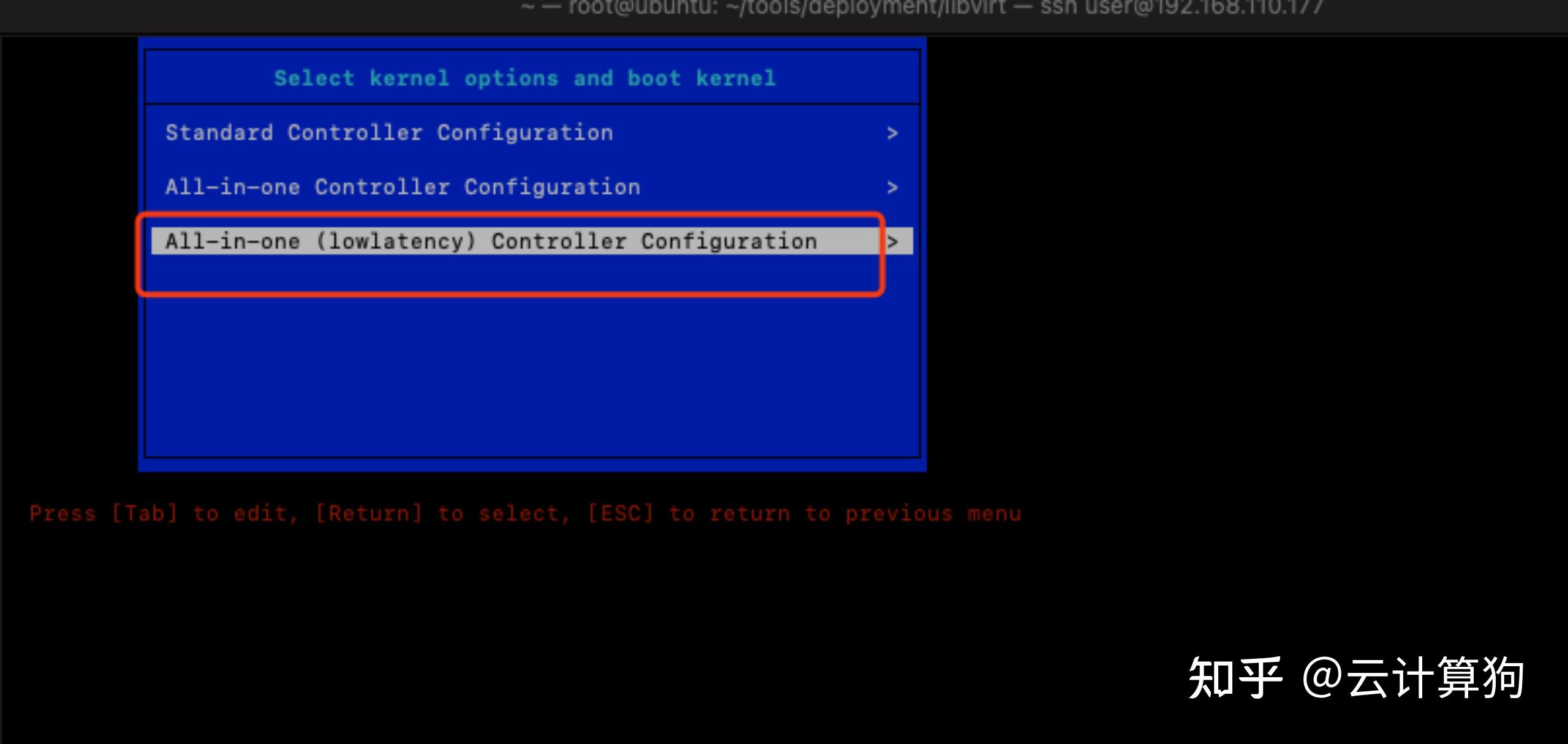

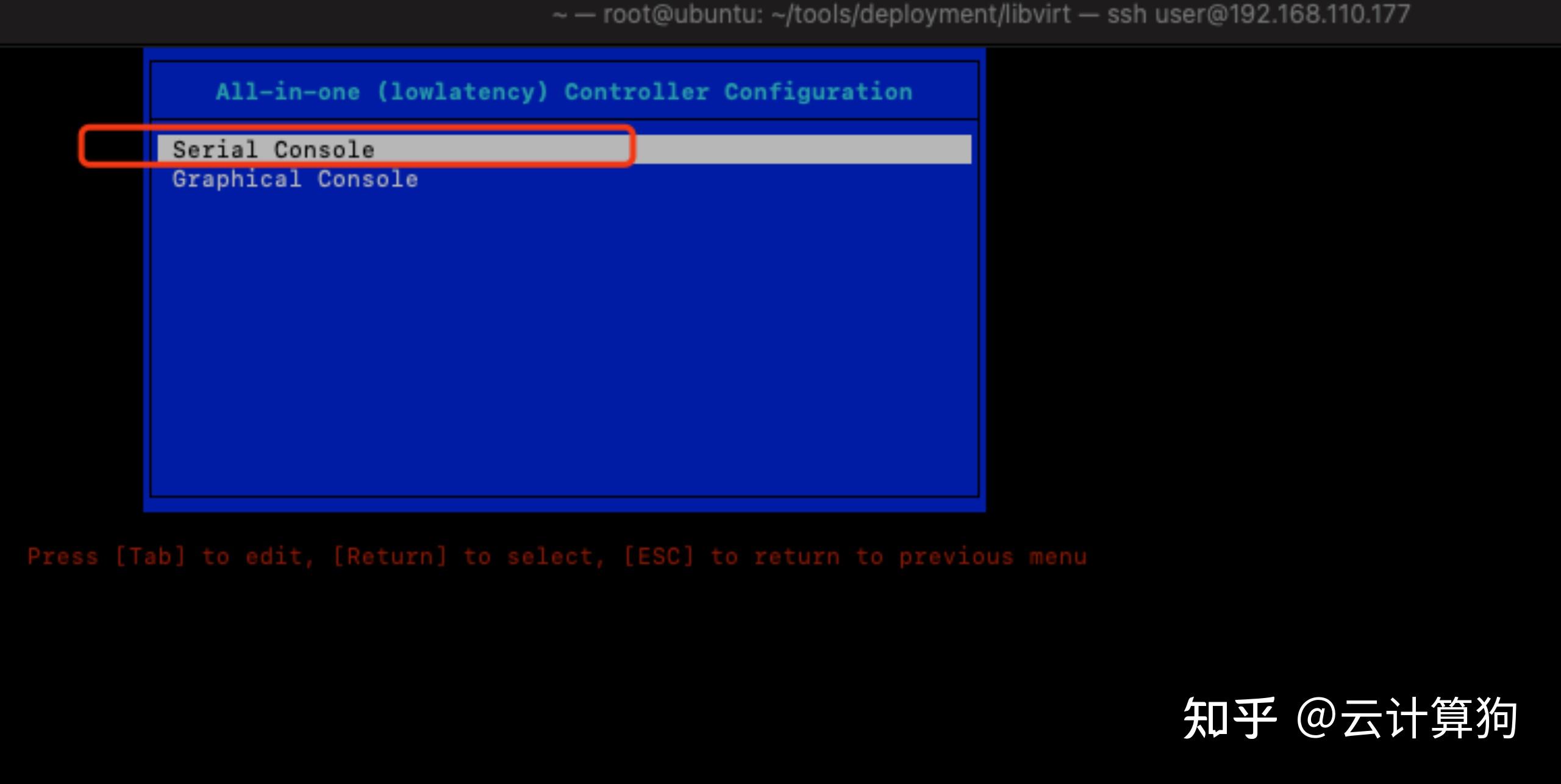
2. 安装ISO完成, 进入登陆, 默认账号sysadmin/sysadmin

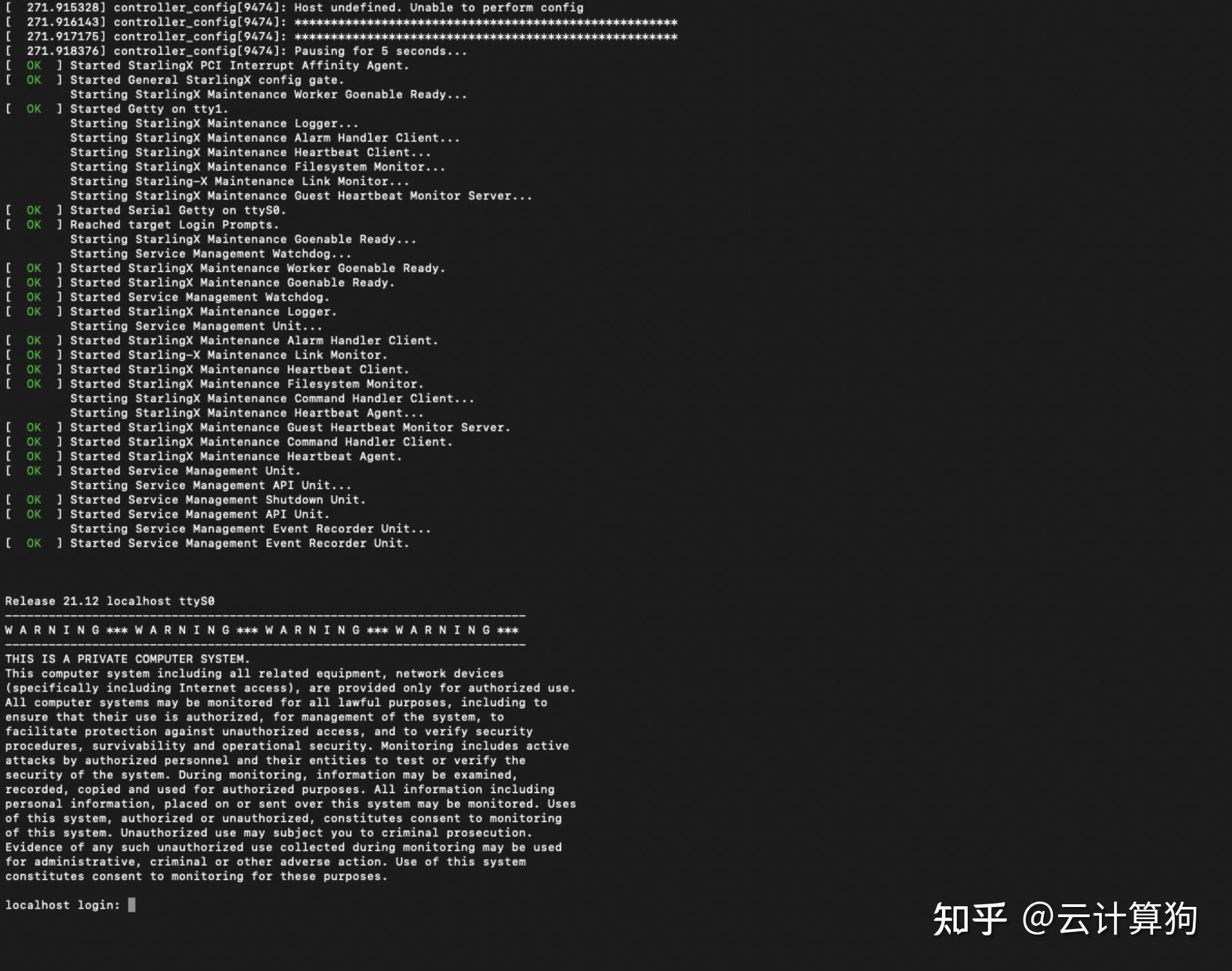

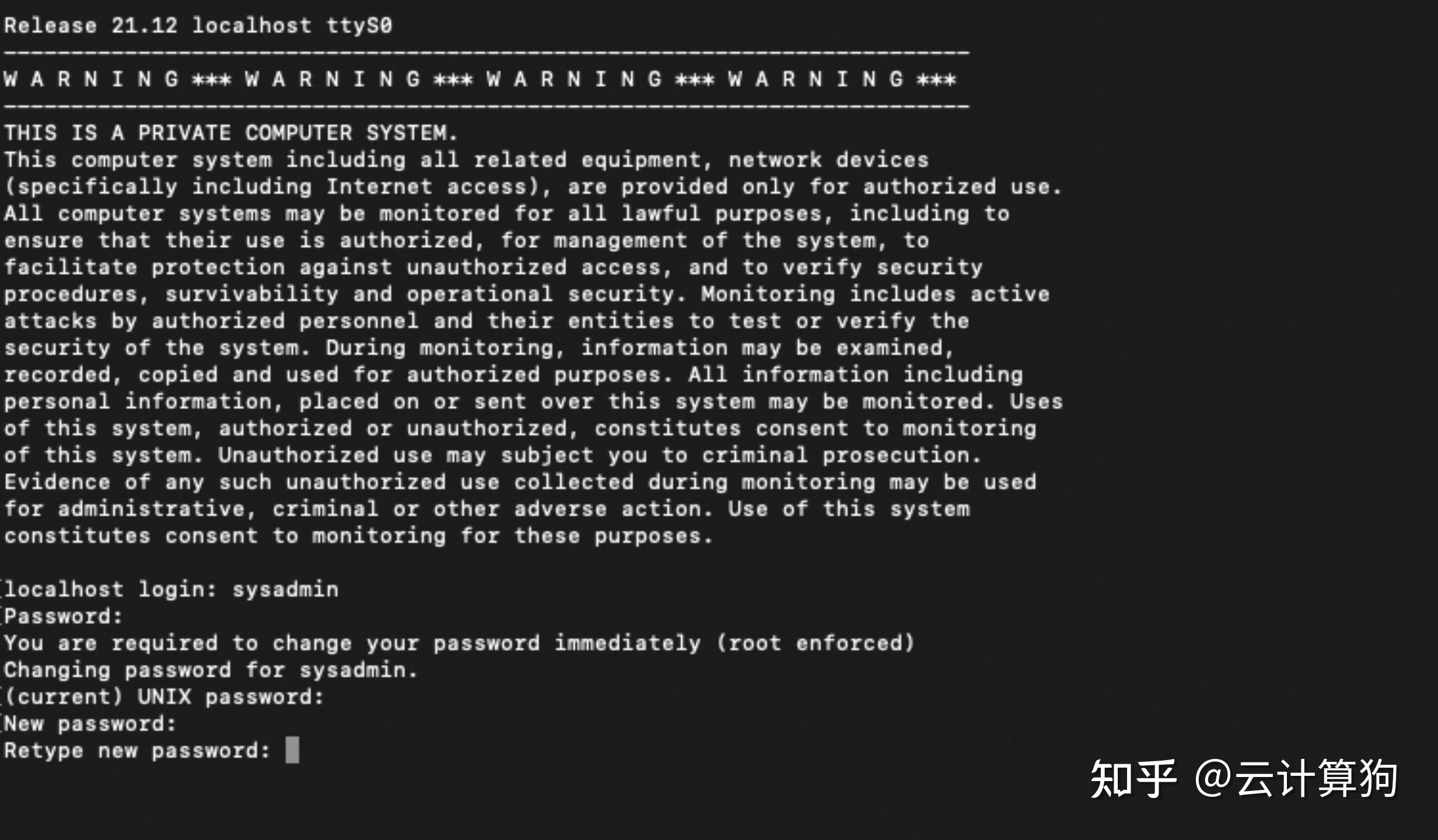

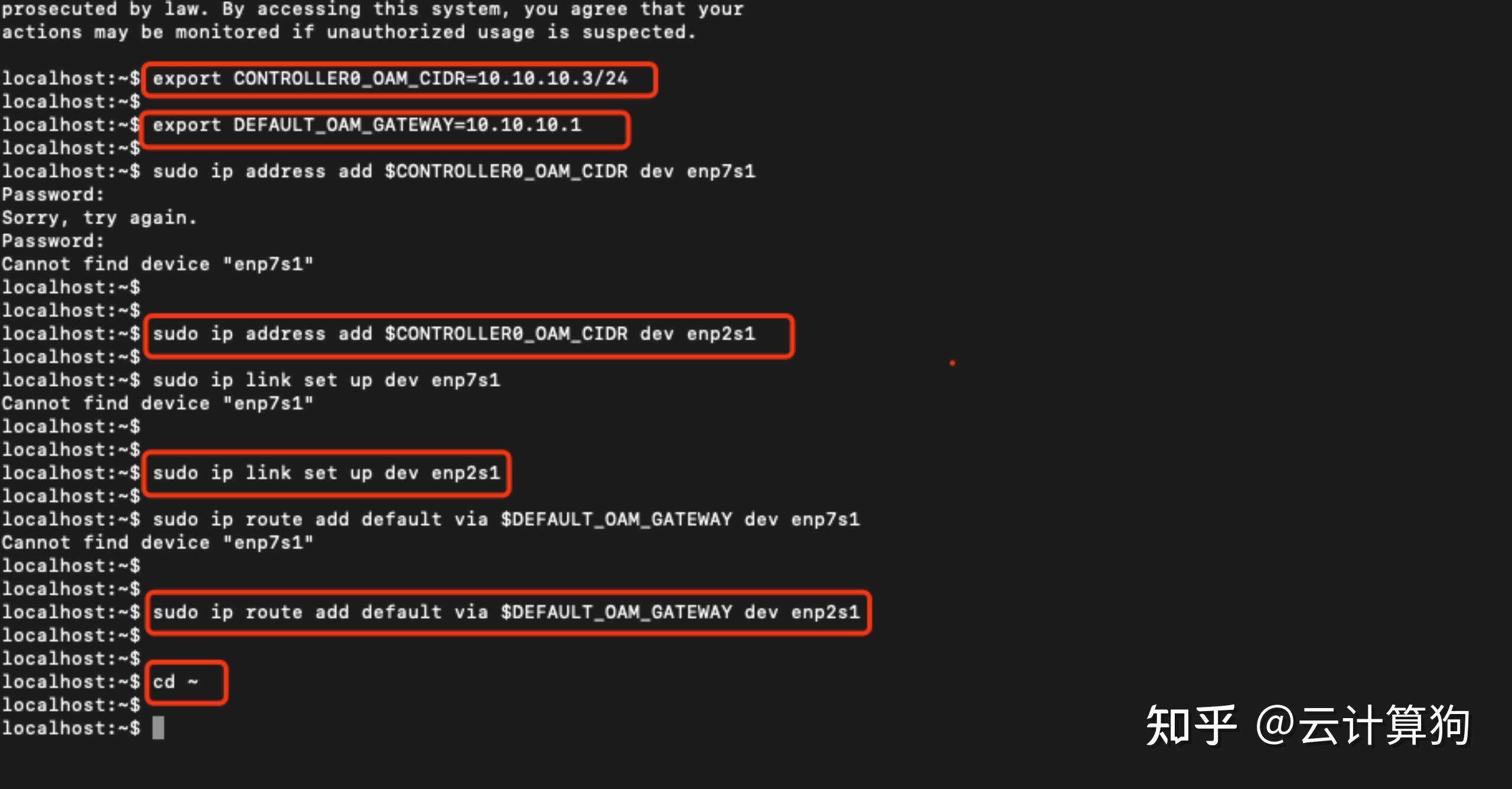
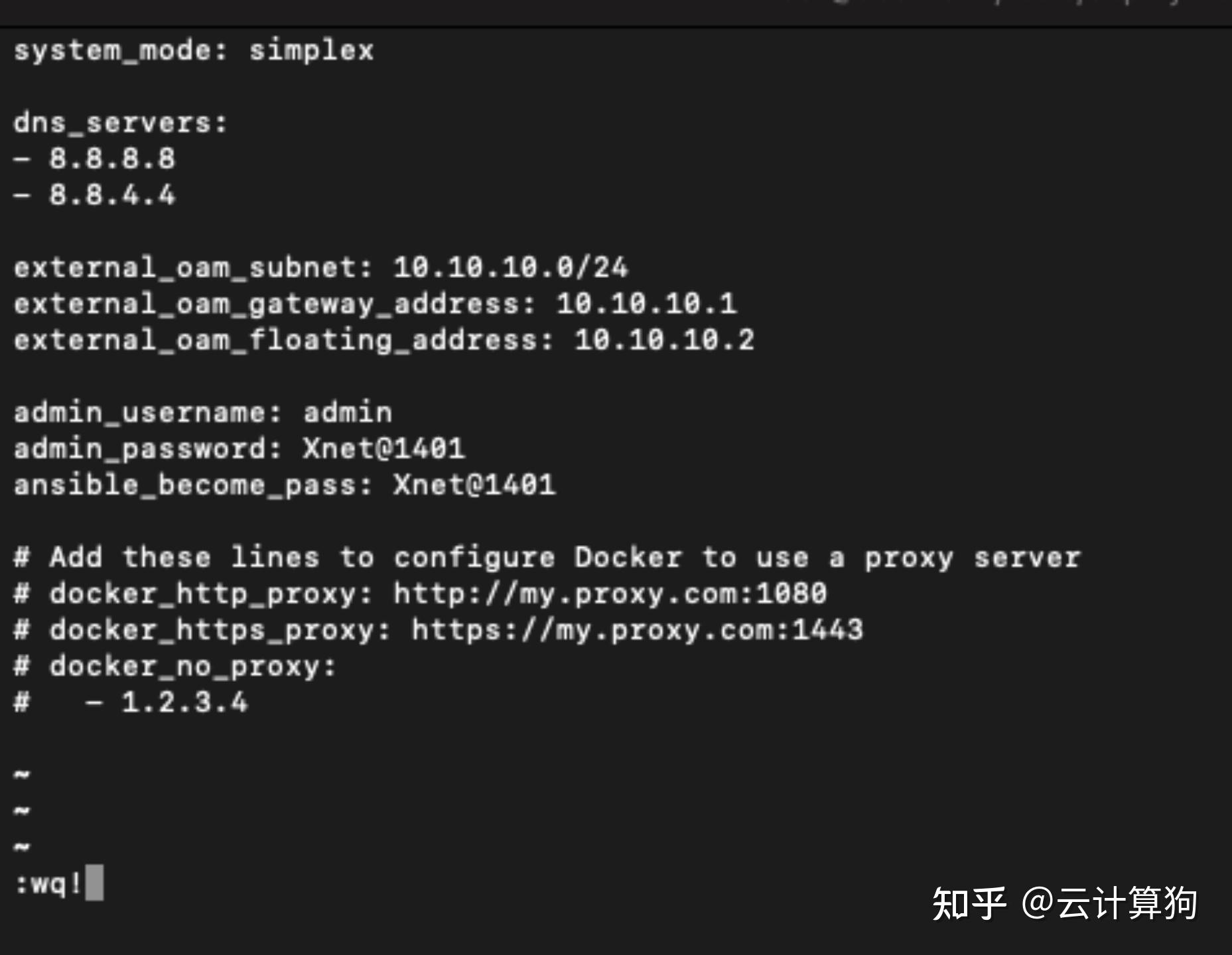
3. 编辑localhost.yml配置文件

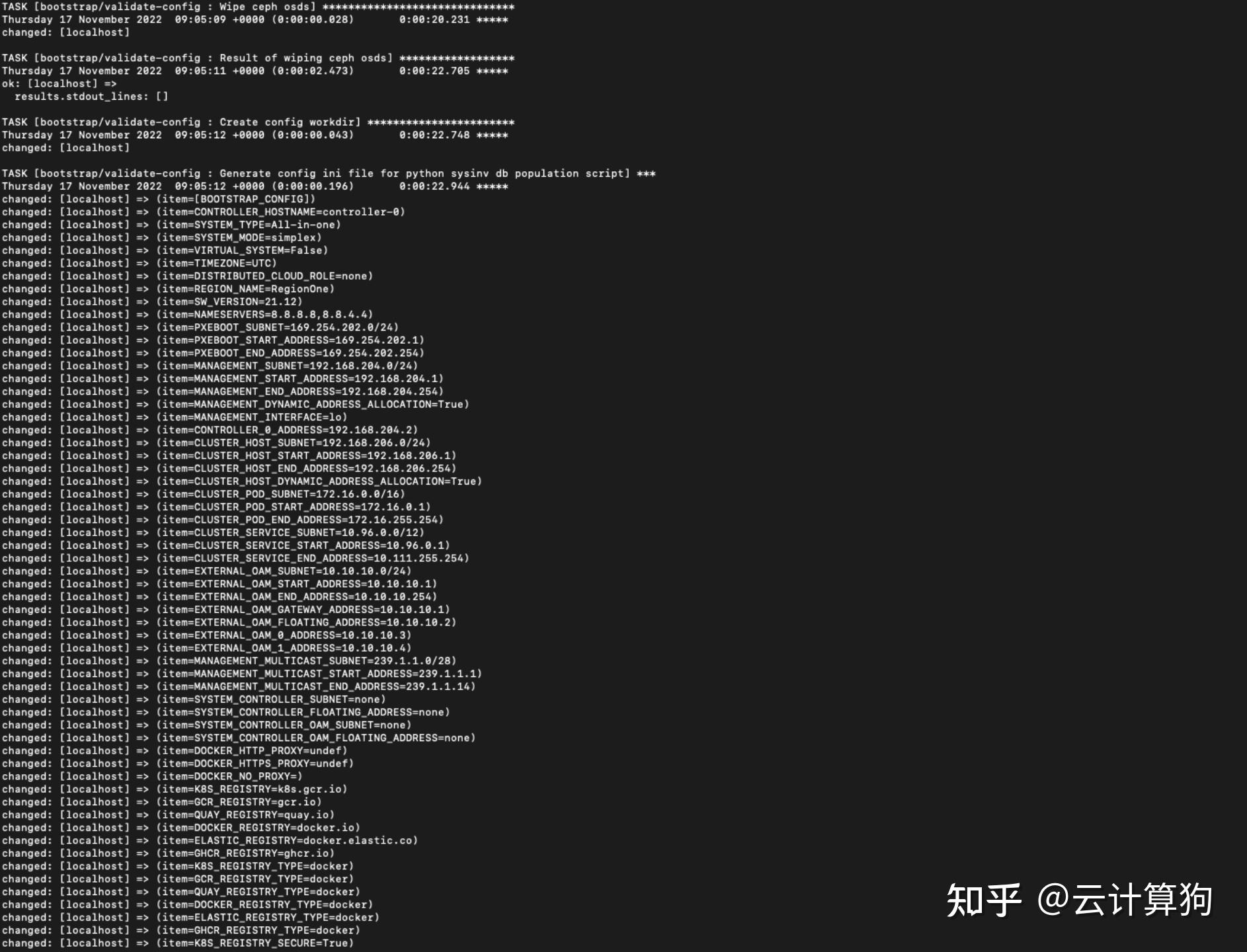
4. 执行ansible安装剧本
ansible-playbook /usr/share/ansible/stx-ansible/playbooks/bootstrap.yml
5. 新开一个控制台, 因为国外的镜像源无法访问, 自己传镜像

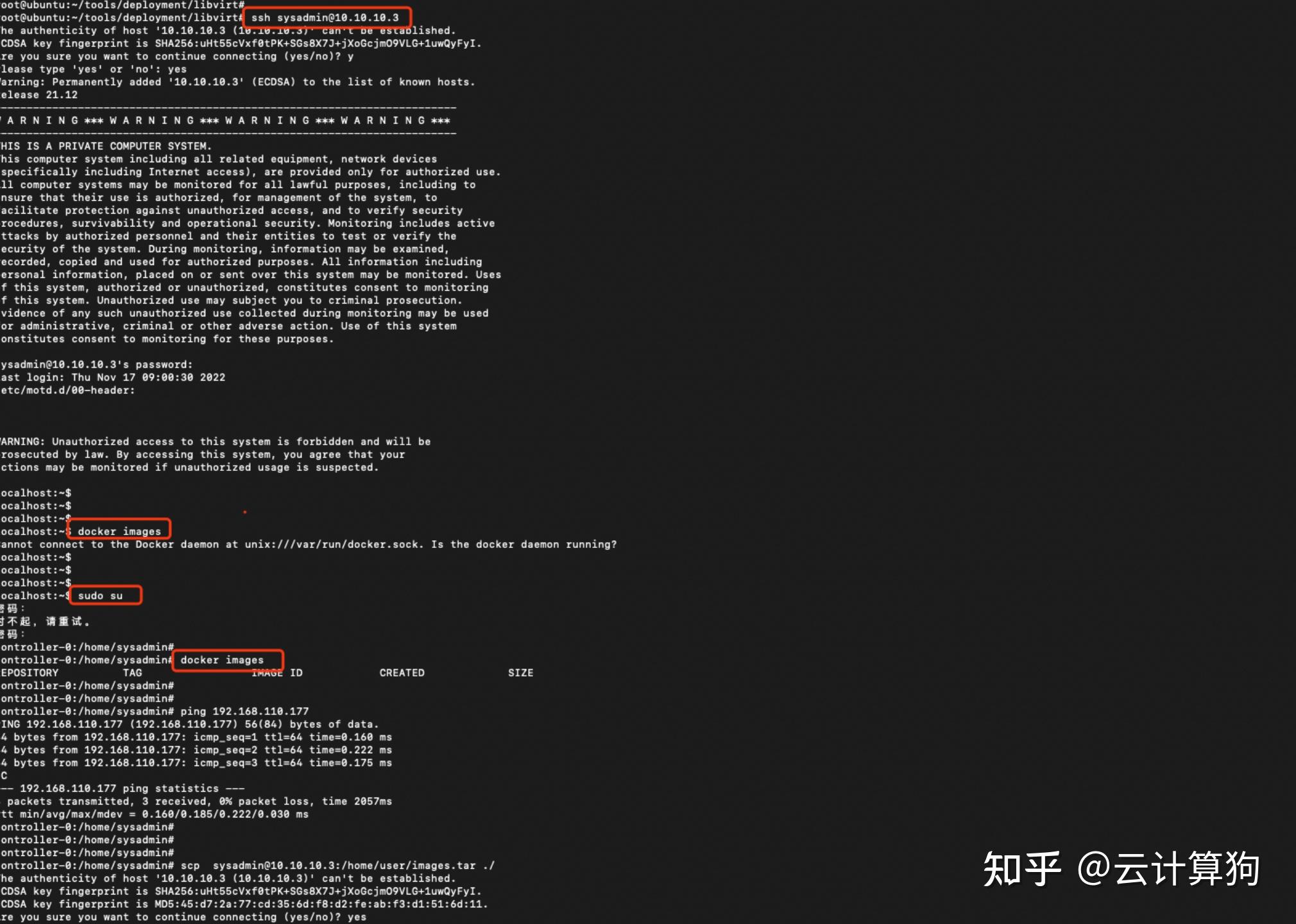

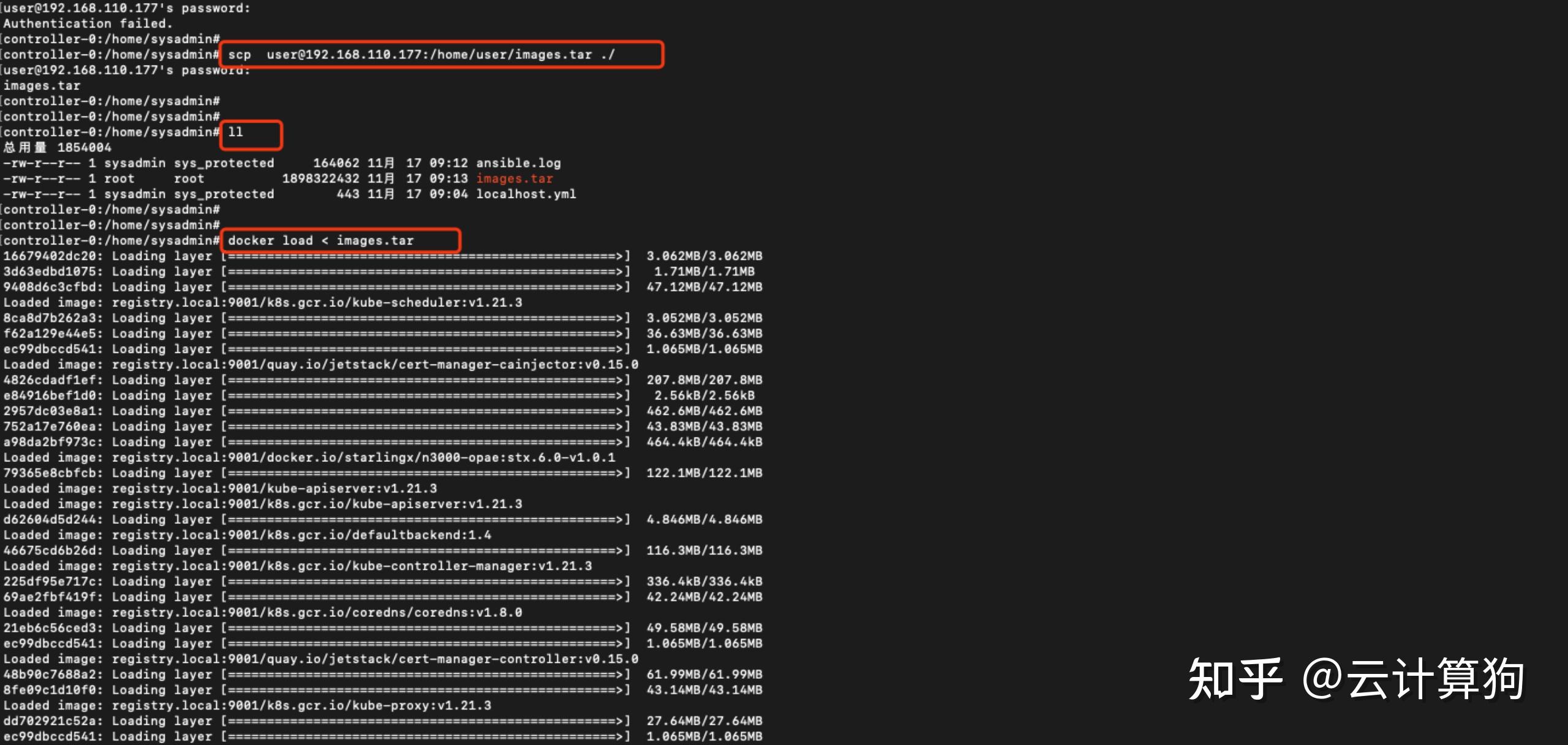
6. 登陆镜像仓库registry.local:9001, 账号:admin, 将镜像push上去

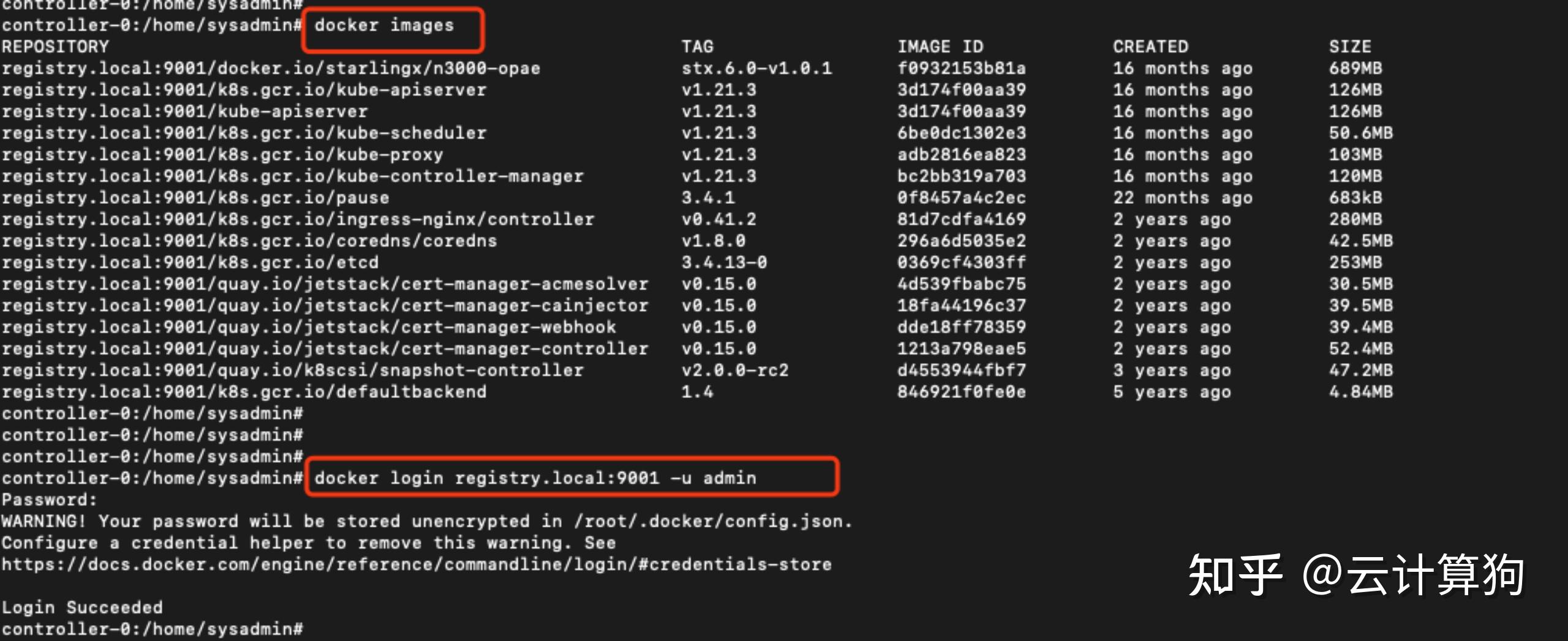
docker push registry.local:9001/docker.io/starlingx/n3000-opae:stx.6.0-v1.0.1
docker push registry.local:9001/kube-apiserver:v1.21.3
docker push registry.local:9001/k8s.gcr.io/kube-apiserver:v1.21.3
docker push registry.local:9001/k8s.gcr.io/kube-scheduler:v1.21.3
docker push registry.local:9001/k8s.gcr.io/kube-controller-manager:v1.21.3
docker push registry.local:9001/k8s.gcr.io/kube-proxy:v1.21.3
docker push registry.local:9001/k8s.gcr.io/pause:3.4.1
docker push registry.local:9001/k8s.gcr.io/ingress-nginx/controller:v0.41.2
docker push registry.local:9001/k8s.gcr.io/coredns/coredns:v1.8.0
docker push registry.local:9001/k8s.gcr.io/etcd:3.4.13-0
docker push registry.local:9001/quay.io/jetstack/cert-manager-acmesolver:v0.15.0